Designing the retainer support Streamtime never had
How a layer above jobs, with its own budget and targets, replaced monthly job duplication for retainer studios.
01 Background
One feature request, two incompatible workflows
Retainers are a staple in the creative world, yet Streamtime offered no built-in way to manage them. Studios copied jobs every month, juggled spreadsheets, and logged hours to the wrong period because every job list blurred together.
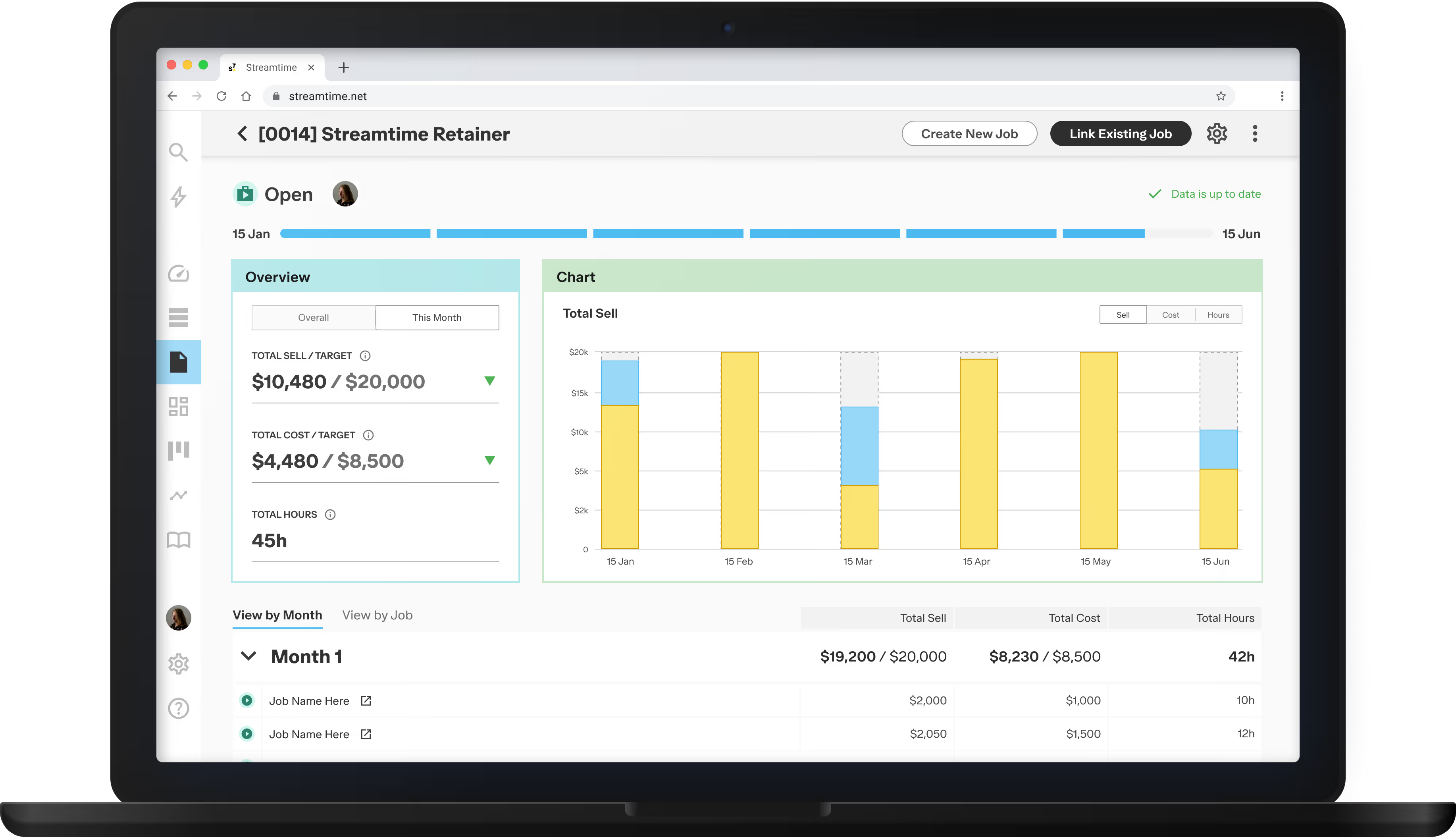
Our answer was Groups: a layer above individual jobs that carries its own budget and targets.
What studios were doing
Copying jobs every month, and tracking retainer totals in spreadsheets outside Streamtime.
02 Research
From workarounds to requirements
We analysed two years of support tags, sales call notes and feature requests, surveyed over 30 customers, then interviewed four studios running different retainer models. Four problems kept coming up:
- Studios duplicated jobs every month, because a new job was the only way to track a new billing period.
- Retainer totals lived in spreadsheets, because there was no budget view above the job.
- Time was regularly logged to the wrong job, in long lists of near-identical names.
- Several studios weren’t sure they were set up correctly for retainers, and wanted to be shown a better way.
03 Design
Two types of group, because studios worked two ways
The interviews showed setups with almost nothing in common. Some studios ran fixed monthly periods; others ran multi-job projects with no cadence at all. Neither would have worked inside the other’s structure.
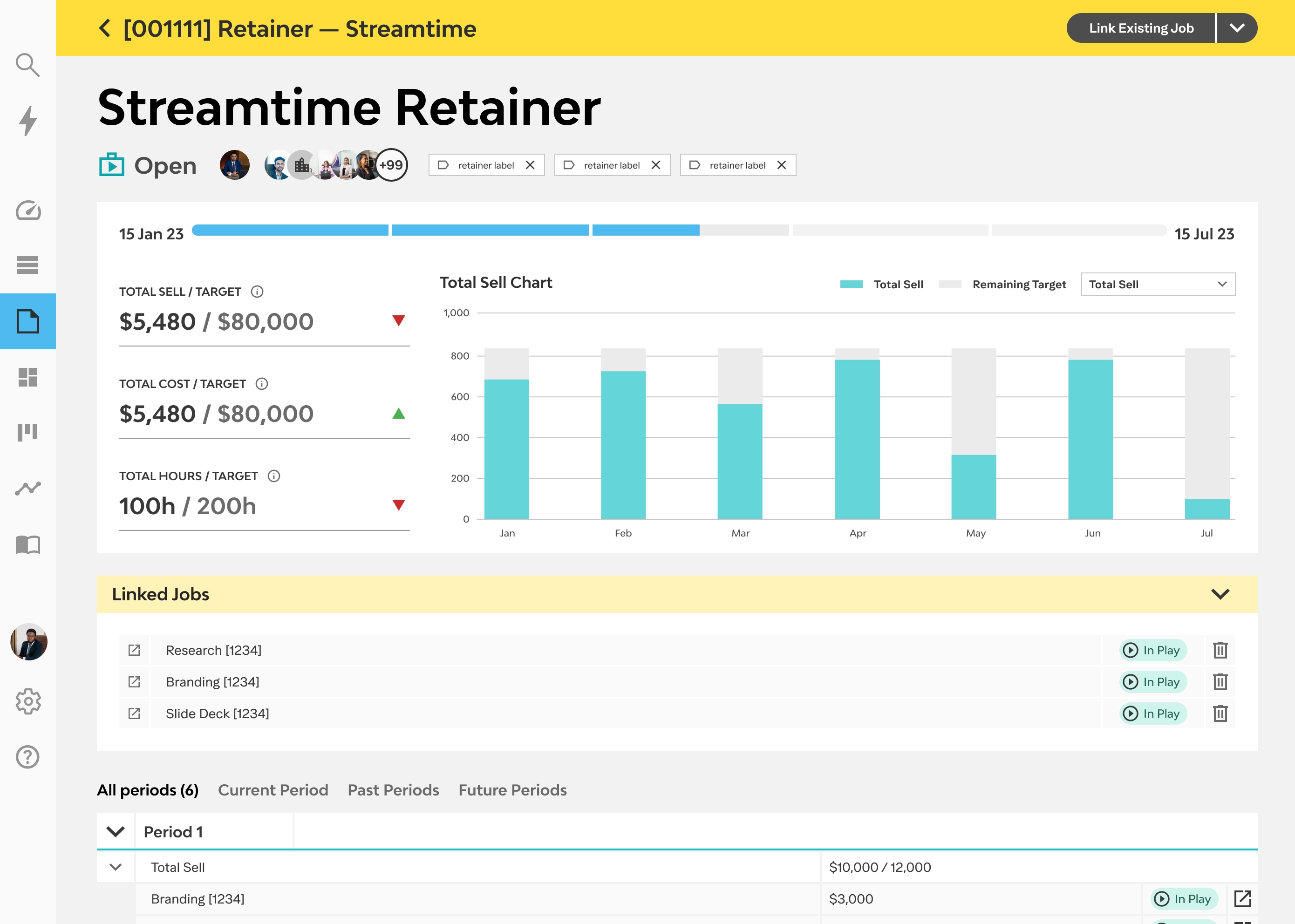
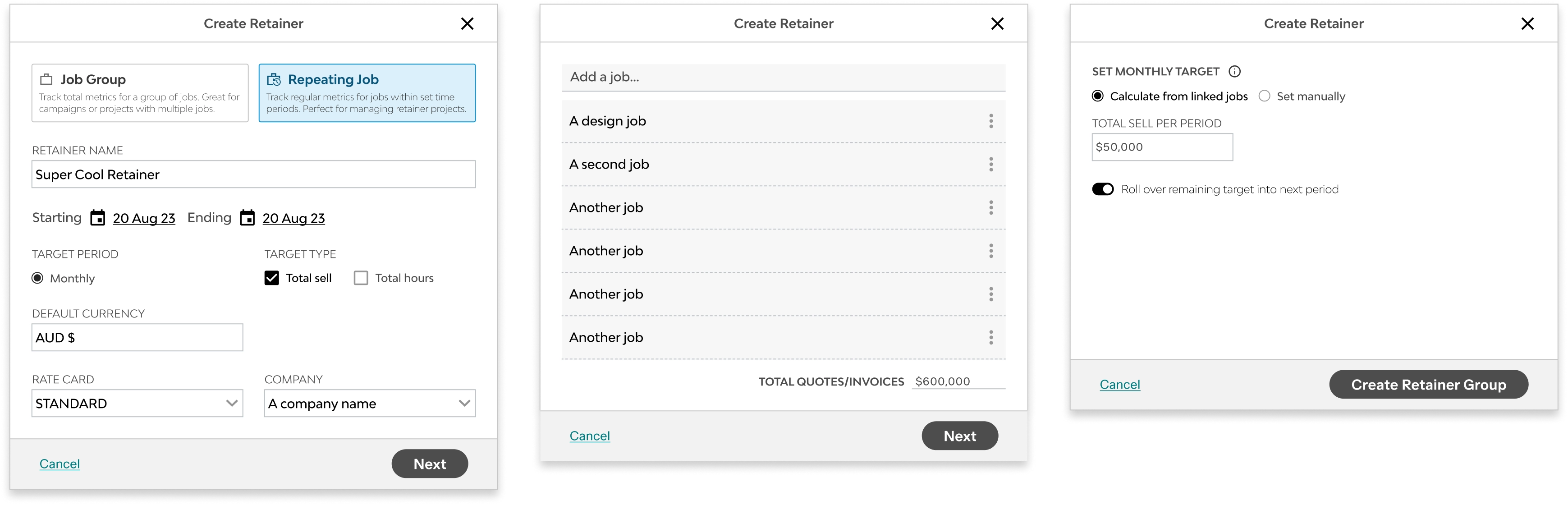
So I designed two types. Repeating Groups carry a start date, period length and per-period targets. Job Groups give multi-job projects the same parent view, without the periods.
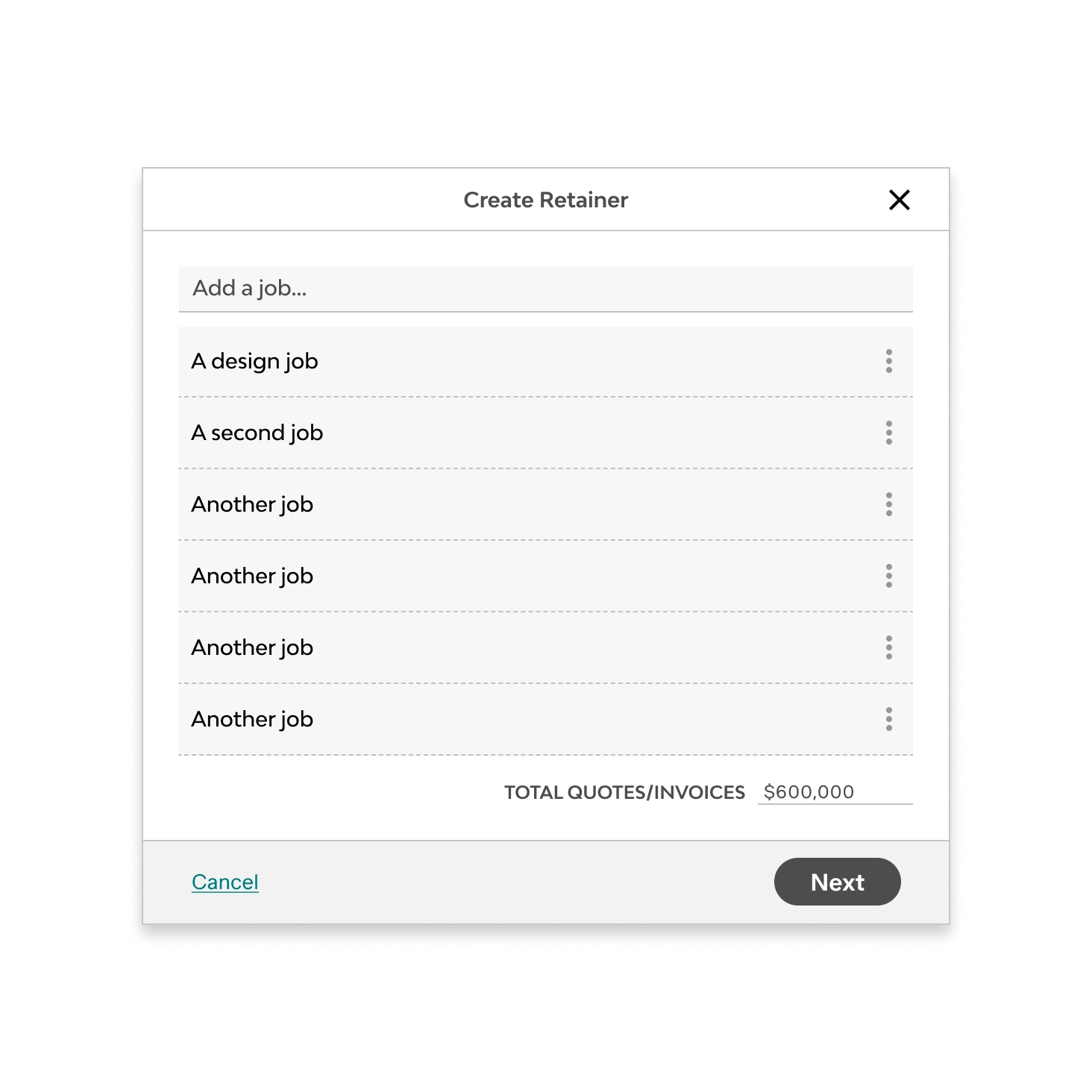
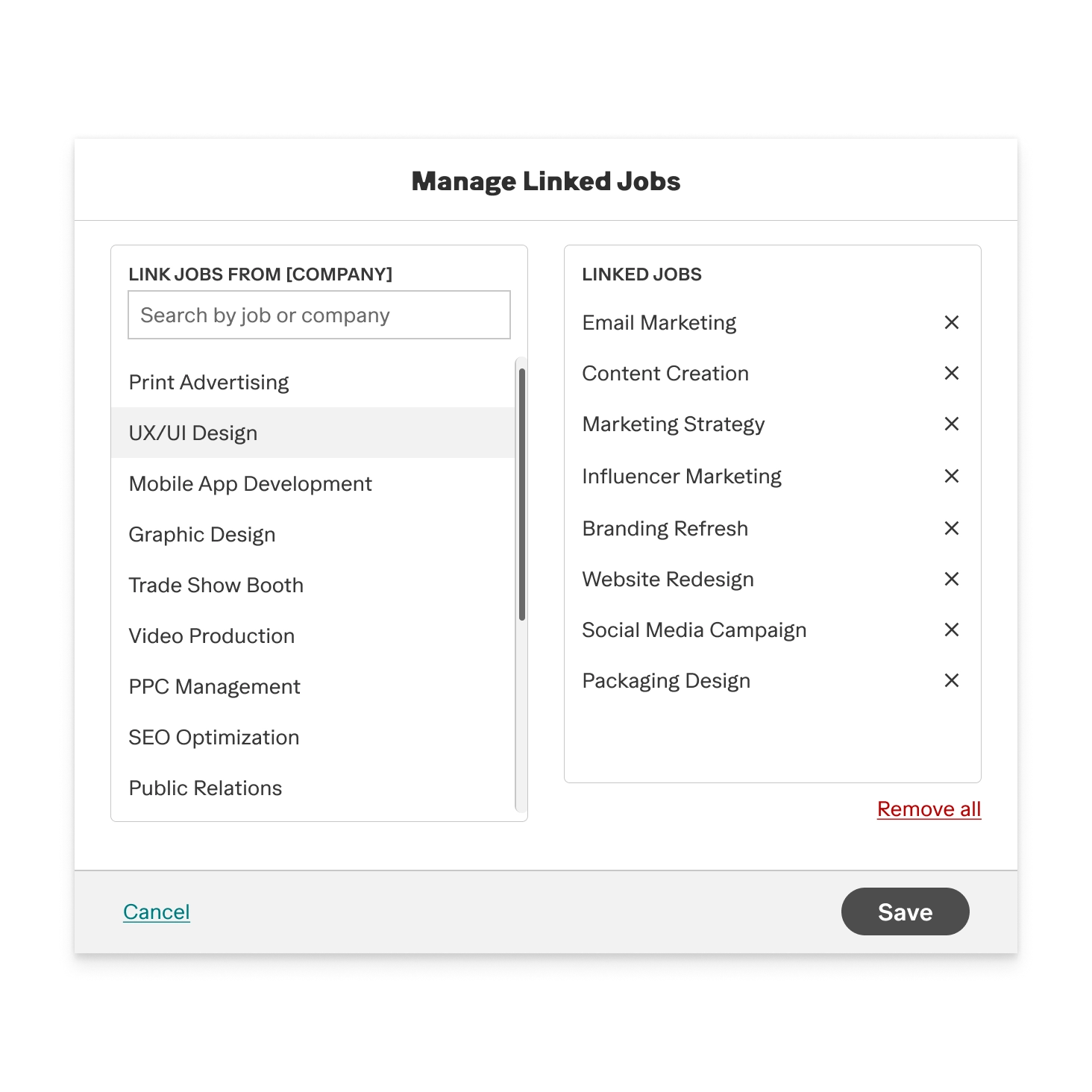
Grouping couldn’t change existing jobs. Jobs already carried quotes, invoices and logged time, so linking them to a group had to leave all of that alone.
04 Testing
What four sessions surfaced
I built it into a demo environment and tested with four customers, each on a copy of their own account: monthly fixed fees, quarterly hour banks, time and materials with rollover, and project-based groups. Everyone responded well once the group page loaded with real data. The problems were all in the setup flow.
Adding jobs set off a loader nobody could read
Every job added triggered a full-screen loader. Participants assumed the page had broken, or clicked out.
- Moved job linking out of the setup modal, so setup is type and targets only.
- The group page now prompts for jobs once you arrive.
The two group types looked the same
Equal visual weight gave no sign that they worked differently.
- Rebuilt the selection step so each type states its structure up front.
The donut answered the wrong question
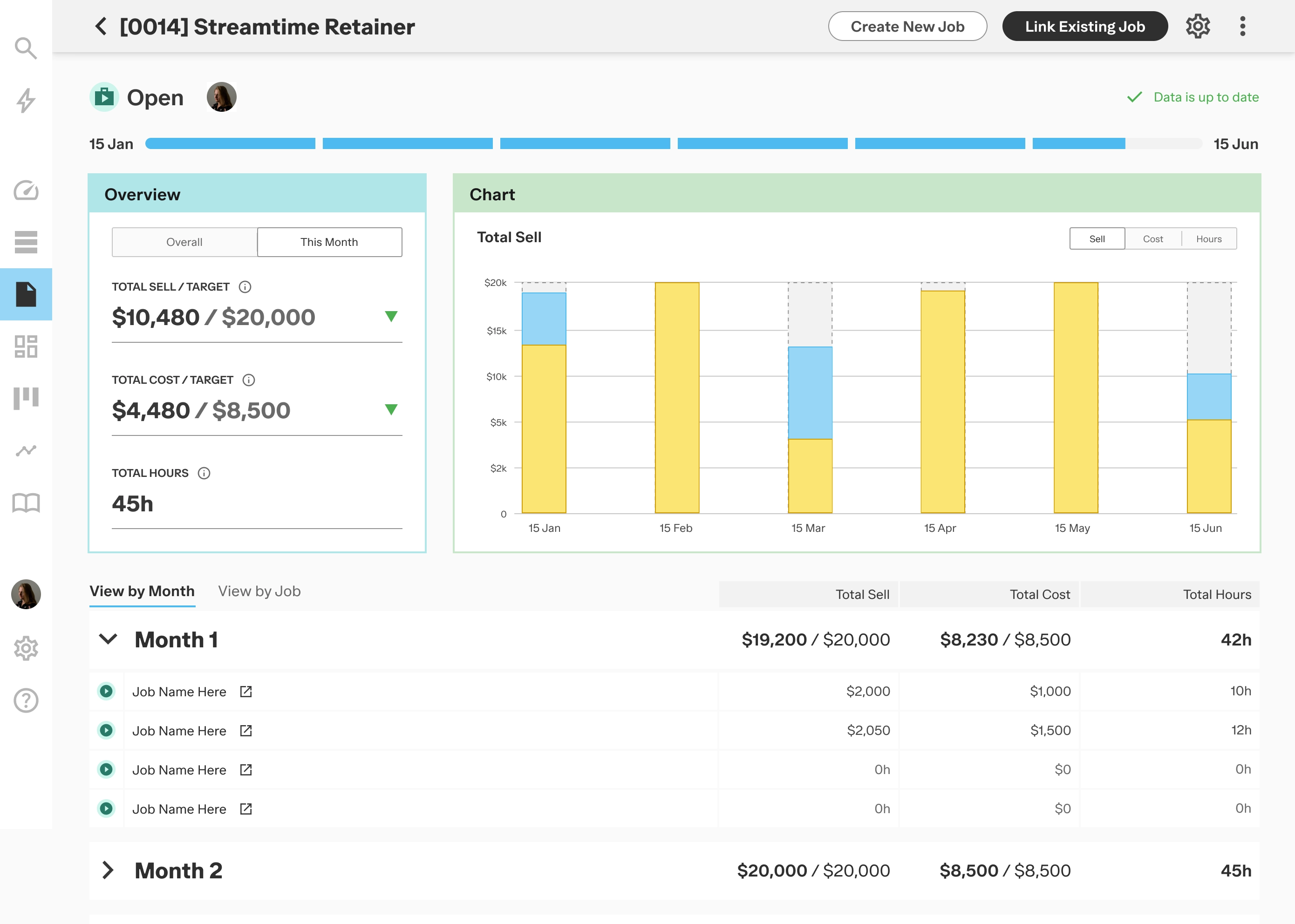
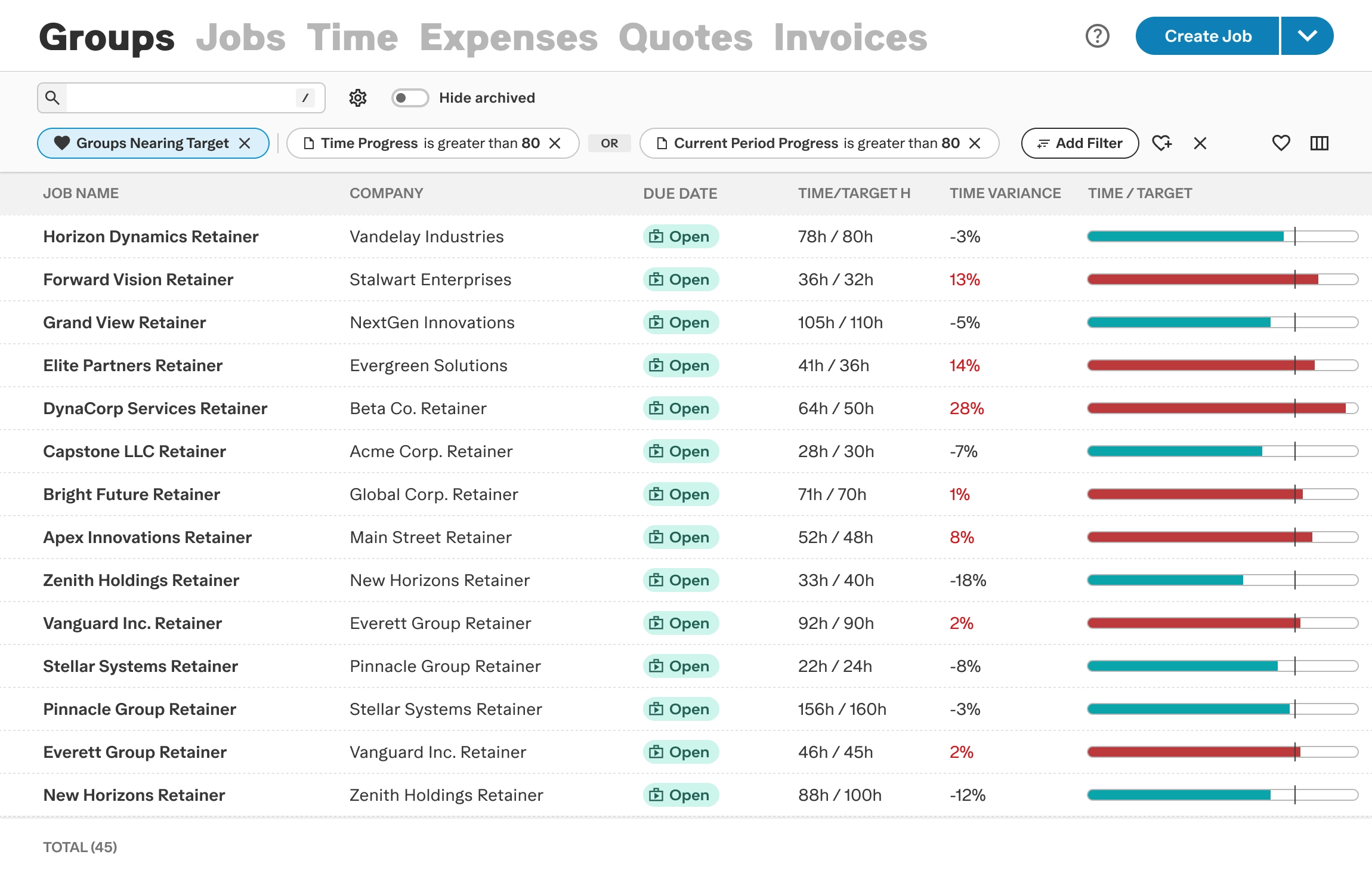
It showed the current period. Participants wanted to know how the retainer was tracking overall.
- Added an Overall and This Month toggle, and placed linked jobs inside their period.
05 Outcome
Retainers now run inside Streamtime
Retainer studios now track each period inside the product, instead of duplicating jobs every month. Campaign and multi-job work gets the same parent view, without the period structure.
06 Reflection
What I’d test earlier next time
The two-type structure held up in testing. Target setup was harder to learn than I expected: choosing a metric, and telling a cap from a goal, needed the idea explained before anyone was asked to act on it. Tooltips don’t fix a mental model gap. The loading state was a bigger miss. I designed for data that arrived instantly, without checking processing time with the team first. One early conversation would have changed the loading pattern.

